EXPLORE THE PAST IN DEPTH
Two photographs.
One new dimension.
Browse historical stereographs or load your own side-by-side images. Open in your Quest 2 browser, then enter VR to see genuine depth.
Browse historical stereographs ↓
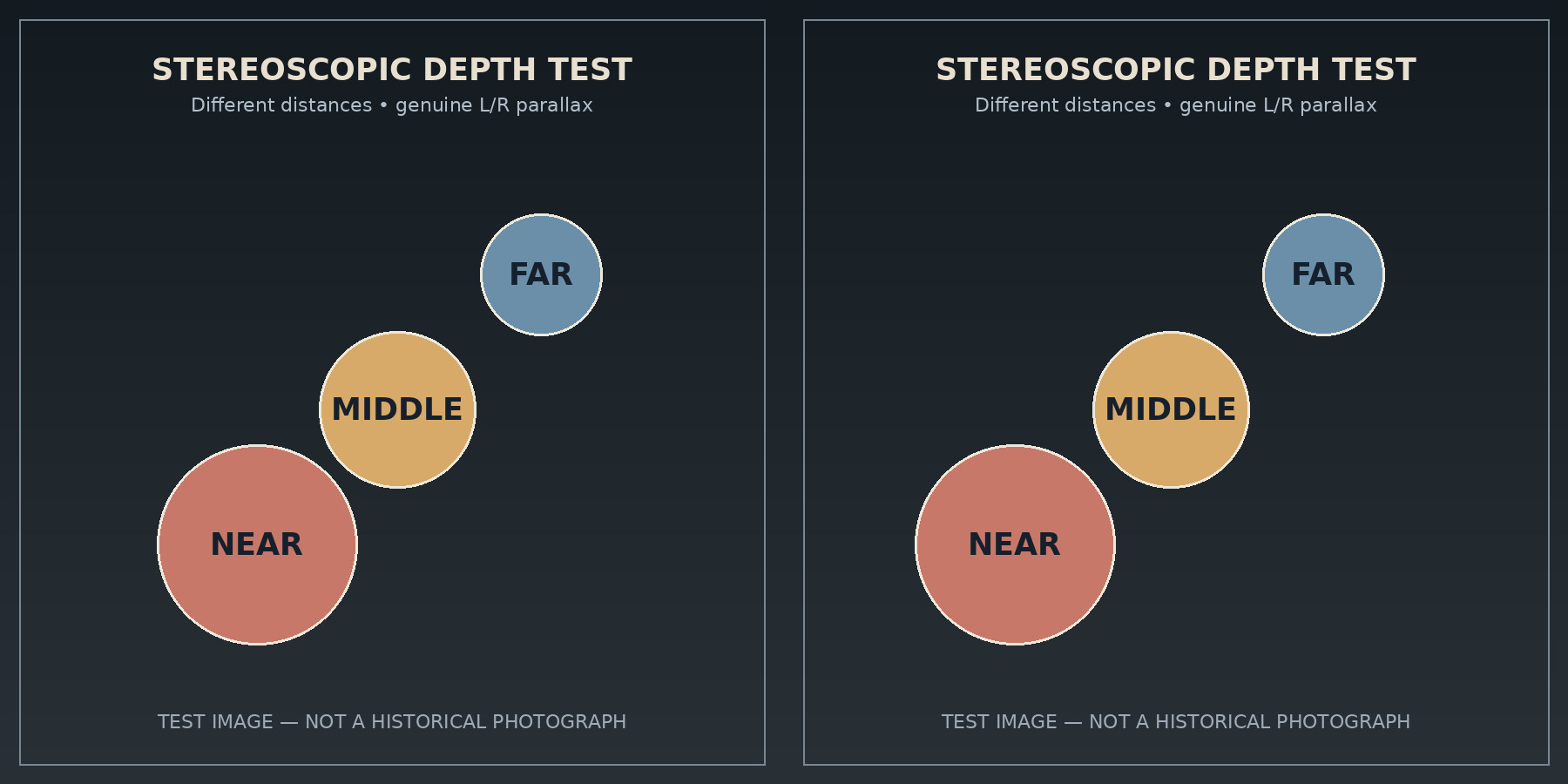 LEFT EYE / RIGHT EYE
Depth diagnostic
Generated illustration · Test image
Ready to test. Use the button below from the Quest browser.
In VR, hold either trigger and drag the separation slider. Use the signed buttons for quick adjustments. Use Up and Down to level a matching detail, then adjust Tilt if the far edge is still uneven. Set default saves all three alignment settings for this card on this headset. Select Hide controls for a clear view. Squeeze either trigger to bring them back. Either side grip also toggles the panel.
Stereograph gallery
Choose a card, then enter VR. Select Site collection under Subject to see images added to the site folder. Use the controller triggers to move between photographs.